
How Does Pexi Work 2026?
Whether you are a student sending documents, a small business owner shipping to a customer, or just sending a birthday gift ?to a family member in another province, PAXI has probably come up as an option.
But before you walk into a PEP store with a parcel under your arm, you probably want to know exactly what happens to it from the moment you hand it over to the moment your PAXI tracking number shows “Ready for Collection.”

What Is PAXI?
PAXI is a store-to-store parcel delivery service run by Pepkor, the same group that owns PEP, PEP Home, PEP Cell, Tekkie Town, and Shoe City. Instead of a courier van driving to your front door, PAXI turns retail stores into drop-off and collection points. You take your parcel to one PEP store, and the person receiving it collects it from a different PEP store closer to them.
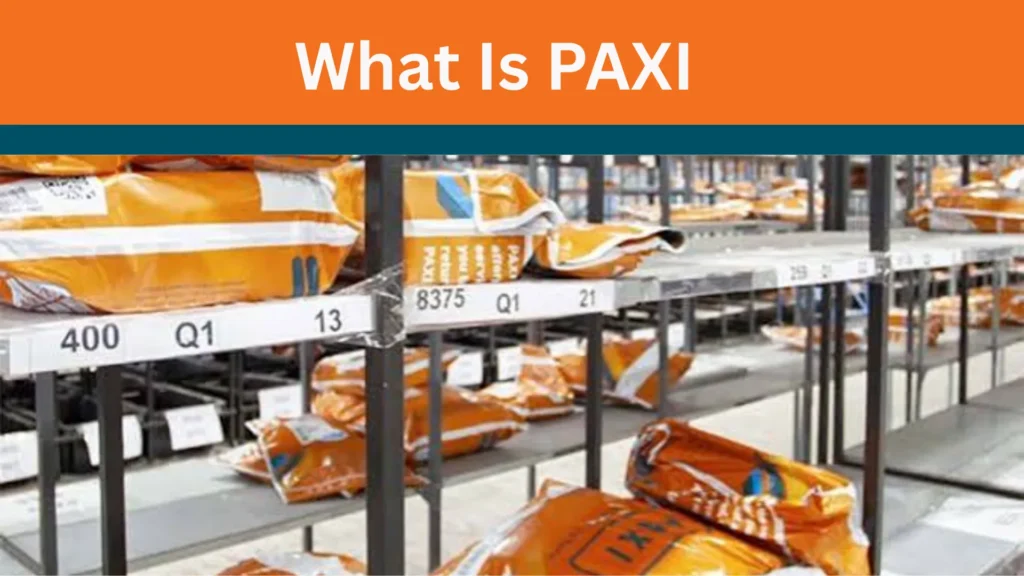
The service began in 2015 as a way for Unisa students to send documents, and grew into a full parcel delivery service once customers asked for more. Today it has grown into one of the country’s most-used low-cost courier alternatives.
Why people use PAXI:
Why this matters: because PAXI relies on physical retail infrastructure rather than a dedicated fleet, it’s able to keep prices low, but it also means delivery times depend on how the parcel routes between stores, which is exactly why tracking your PAXI parcel matters.
How Does PAXI Work?
Here’s the full journey a parcel takes, from drop-off to collection.
Step 1: Pack Your Parcel
Package your item securely in a sealed box or PAXI bag. Loose or poorly packed items can get damaged or delayed if store staff have to repack them.

Tip: Use a PAXI bag if your item fits — bags are pre-sized and easier to scan and sort than random boxes.

Step 2: Find Your Nearest PAXI Point
PAXI points are inside PEP, PEP Home, PEP Cell, Tekkie Town, and Shoe City stores. You can find the closest one Use our PAXI Codes Page to locate the nearest PAXI point. If needed, you can also verify the location using the official PAXI Store Locator.
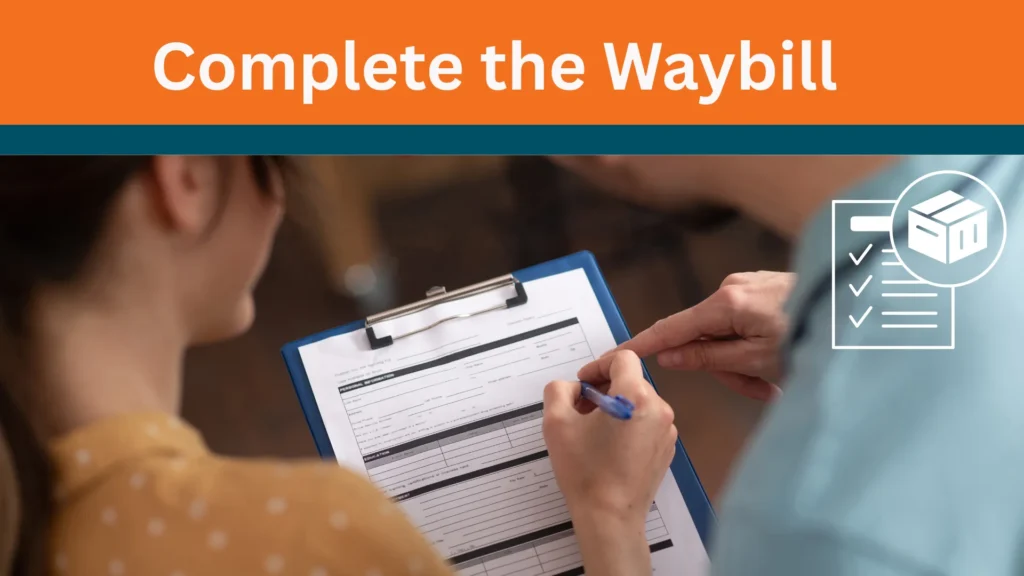
Step 3: Complete the Waybill
At the counter, staff will help you complete a waybill a short form capturing sender details, recipient details, and the receiving store. This is where the destination PAXI point gets locked in.
Don’t share your ID number or contact details with anyone other than store staff completing the official form.

Step 4: Pay and Receive Your Tracking Number
Once the parcel is registered and paid for, you’ll get a receipt with a unique tracking number (usually a 12-digit code). Keep this receipt — it’s your proof of sending and the only way to track your parcel afterward.
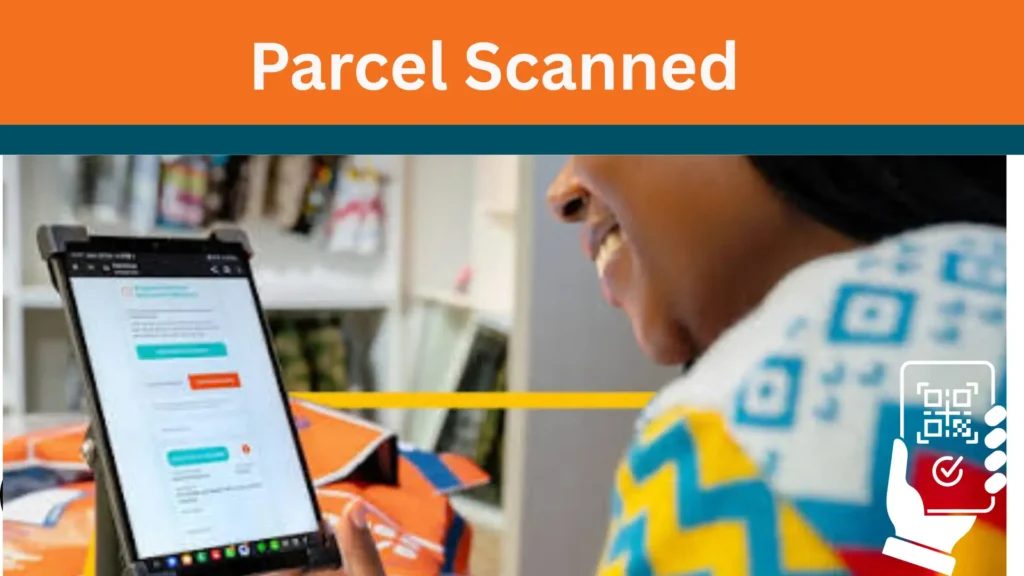
Step 5: Your Parcel Is Scanned Into the System
At this point, your parcel is officially “Received” in the PAXI system. This is the first status update you’ll see when you check your PAXI tracking.

Step 6: Sorting and Transport Between Stores
PAXI uses third-party logistics partners and Pepkor’s existing distribution network to move parcels between regional hubs and then to the destination store. This is usually where most of the delivery time is spent.
Step 7: Arrival and “Ready for Collection” Notification
Once your parcel reaches the destination PAXI point, both sender and recipient usually get an SMS notification, and the tracking status updates to “Ready for Collection.”


Step 8: Collection
The recipient goes to the destination store with their ID and the tracking number (or the SMS notification) to collect the parcel. Staff verify the details before releasing it.
How PAXI Tracking Fits Into the Process
PAXI tracking is simply the online tool that lets you follow your parcel through Steps 5 to 8 above. Instead of guessing where your parcel is, you can enter your tracking number in our PAXI Tracking tool to check the latest status of your parcel.
Typical statuses you’ll see, in order:
Why this matters: if your tracking status hasn’t moved in a few days, it usually means the parcel is sitting at a sorting point rather than lost — but it’s still worth calling the PAXI helpline on your receipt if there’s no movement for more than 3–4 business days.
Sending a Parcel via PEP Paxi
If you’re the sender, here’s what to expect in practice:
You can also buy a PAXI bag online and register the parcel digitally before dropping it off in-store, which saves time if you send parcels often.
PAXI for Businesses and Online Sellers
PAXI isn’t only for personal parcels. Many South African online sellers use it as their default delivery method because it removes the need for a private courier account.
This is also why you’ll see PAXI listed as a delivery option on several South African online marketplaces — the seller pays through the platform, and the buyer collects from their nearest PAXI point without ever handling payment for delivery themselves.
Businesses can register on the PAXI business portal, capture parcel details online, and then do a quick drop-off at a PAXI point instead of queueing to complete paperwork in-store. Sellers who send a high enough volume of parcels each month can also qualify for API integration, letting the PAXI point locator and tracking sit directly on their own website or marketplace.
Comparison Table: Choosing the Best Delivery Method
Method | Accessibility | Speed | Cost | Notes |
|---|---|---|---|---|
PAXI (store-to-store) | 2,800+ points nationwide | 3–9 business days | Low, flat rate | No home address needed |
Traditional courier (door-to-door) | Needs street address | 1–3 business days | Higher, distance-based | Requires someone home to receive |
Post Office | City/town branches | Variable, often slow | Low | Limited tracking detail |
In-person delivery | Depends on distance | Same day | Time cost only | Only practical for short distances |
So, PAXI is the best method for anyone who needs affordable, nationwide delivery and doesn’t mind collecting from a store rather than waiting at home for a courier.
Tips for a Smooth PAXI Experience
Double-check the destination store.
Make sure you and the recipient agree on the exact PAXI point — sending to the wrong branch is one of the most common causes of delays.
Save your tracking number immediately.
Take a photo of your receipt the moment you get it, in case the paper slip gets lost.
Pack for the journey, not just the shelf.
Parcels pass through multiple hands and vehicles — pack as if it will be handled roughly.
Track proactively, not just when worried.
Checking your PAXI tracking every day or two lets you spot a stalled parcel early instead of waiting weeks.
Use SMS notifications.
Make sure the recipient’s cellphone number on the waybill is correct, since notifications drive most of the “ready for collection” alerts.
Collect promptly.
Parcels left uncollected for too long are usually returned to the sender, which adds delay and sometimes cost.
Ask about size limits.
PAXI has maximum parcel dimensions and weight limits — check with staff before packing bulky items.
Keep valuables insured separately.
Like most low-cost courier services, PAXI isn’t designed for high-value or fragile items without extra protection.
Use the business portal for repeat sending.
If you send parcels regularly, registering parcels online before dropping them off saves significant time in-store.
Call the helpline for stuck parcels.
If tracking hasn’t updated in several days, the PAXI contact number on your receipt can usually explain what’s happening.
Frequently Asked Questions (FAQs
Final Thoughts
PAXI works because it borrows an existing network of stores instead of building a delivery fleet from scratch — and that’s exactly what keeps it affordable. Once you understand the flow (pack, drop off, get your tracking number, wait for the SMS, collect), the whole process becomes predictable rather than mysterious.